
Translation Apps for Confident Communication Abroad
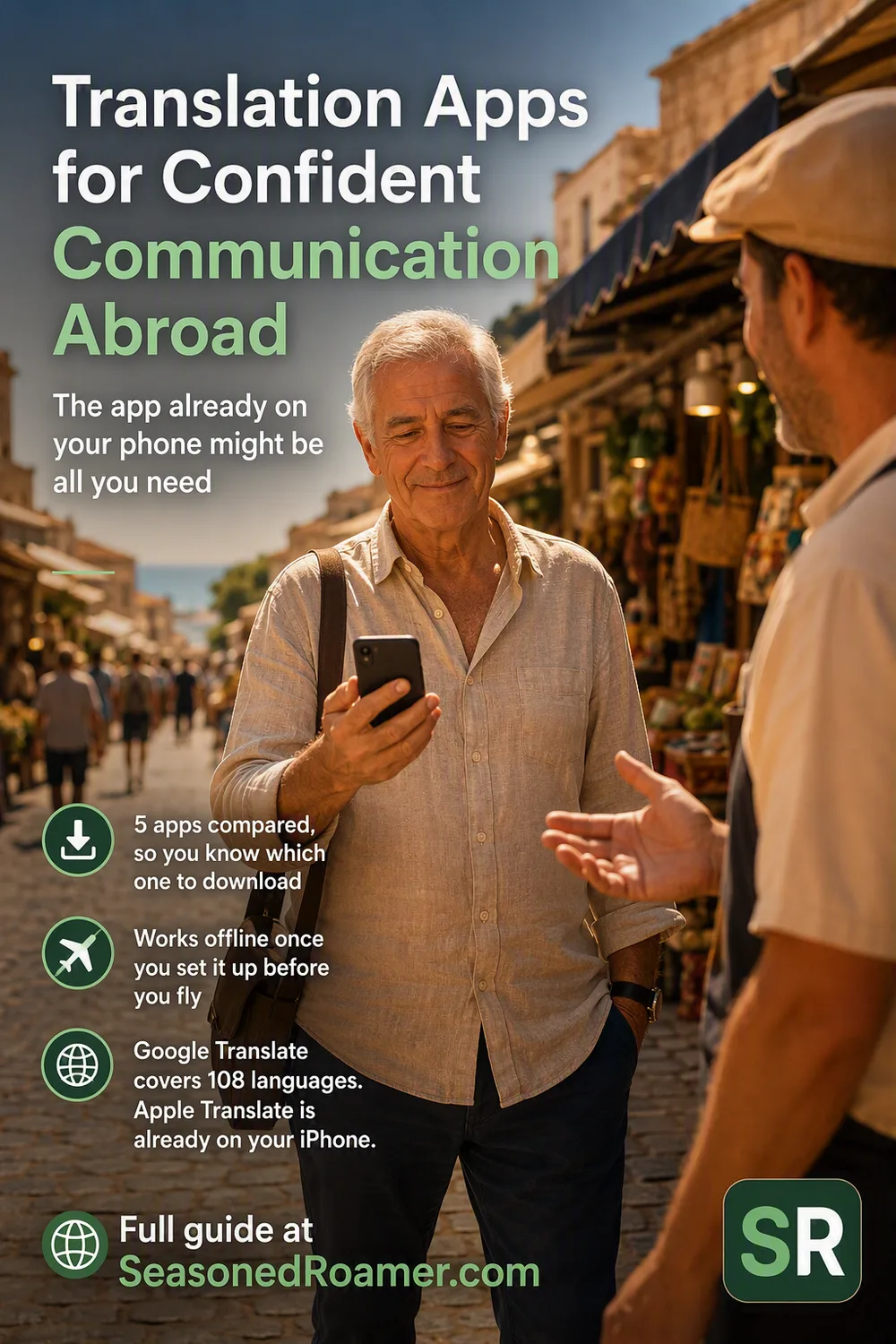
Why a translation app for travel matters more than a phrasebook
A phrasebook gets you through a handful of fixed phrases. A translation app for travel handles whatever comes up. Think of a menu you don’t recognize, a pharmacist explaining a dosage, or a taxi driver asking your destination. The apps below are free or low cost, and they work on the phone you already carry. Most of them keep working even without a signal, as long as you set them up before you leave home.
The app already on your phone
Begin with whichever one your phone already gives you. On most Android phones, that’s Google Translate. If you have an iPhone, Apple has already built a translator into iOS, and it needs no separate download at all.
Google Translate
Google Translate is free, and it’s the most capable of the apps here. It translates text in over 200 languages. In 59 of those languages, it keeps working with no signal once you download them for offline use. Point your camera at a menu or a sign and it translates the text in 94 languages, right there in the frame. For an actual back and forth conversation, its Conversation mode covers 70 languages.
Google Translate also has Live translate. It plays a translation of what the other person says through any headphones, in more than 70 languages. Since March 2026 it works on iPhone and Android in the UK, the US and ten other countries. Australia, Canada, New Zealand and South Africa are not on the list yet.
Apple Translate
If you have an iPhone, you already have this. Apple Translate covers about 20 languages and works fully offline once you download the ones you need. Its face to face view puts your conversation on screen, so both people can read it as it happens.
There’s also a hands-free mode that speaks translations through your AirPods, so you hear the other person’s language in your own. It needs iOS 26, an iPhone 15 Pro or later with Apple Intelligence turned on, and recent AirPods (AirPods 4 with Active Noise Cancellation, AirPods 5, AirPods Pro 2 or later, or AirPods Max 2). It works in English, French, German, Italian, Japanese, Korean, Mandarin Chinese, Portuguese, and Spanish.
Three more translation app options for travel
Google Translate and Apple Translate cover most situations. These three fill in the specific cases those two don’t.
Microsoft Translator
Microsoft Translator, also free, translates over 100 languages, with real-time speech and image translation just like the others. Its best-known feature for travelers was a mode called Converse. It let a whole group each speak their own language from their own phone. Microsoft retired it at the end of June 2026. If you remember it from an earlier trip, don’t expect it to still be there.
DeepL
DeepL has a reputation for high-quality written translations, especially for longer text like an email or a set of instructions. The trade-off is that it needs an internet connection the whole time. There’s no offline mode, so save it for situations where you have signal or Wi-Fi.
iTranslate
iTranslate is free to download, but offline mode and its Lens camera tool need a PRO subscription, with a 7-day free trial. Offline, it translates text in 41 languages and speech in 5.
Setting up your translation app for travel before you leave home
Every one of these apps works better with a little preparation. Getting online in the first place matters too: see our eSIM setup guide for how to arrange data before you fly.
- Download your language pack over Wi-Fi before you fly. Language packs can be large, and downloading them at the airport on data isn’t worth the cost.
- Test the app once at home, on a phrase you already know the answer to. Then you know what a normal translation looks like before you rely on it somewhere unfamiliar.
- If your phone lets you set a default translation app, choose the one you plan to use most. Translation shortcuts elsewhere on the phone then open the right one automatically.
What to expect from a translation app for travel
None of these apps will give you a fluent conversation. What they give you is enough to order food, ask directions, read a sign, or explain a problem at a pharmacy or a train station. That covers most of what comes up while traveling. Slang, idiom, and regional accents can still trip any of them up. If a translation comes back confusing, try rephrasing what you said in simpler words rather than assuming the app is broken.
A note on subscription trials
If you try iTranslate’s free trial, put a reminder in your phone’s calendar a day or two before it ends. Several Trustpilot reviewers report being charged for a full year after a free trial. The same caution is worth applying to any app’s free trial, not just this one.
For more step-by-step help with your phone and apps, see our Tech for Travelers guides.