
How to create a photo book from your trip as a lasting memory
Why a photo book
Trip photos usually end up buried in your phone, mixed in with hundreds of other pictures you never look at again. Here is how to create a photo book from travel photos without it becoming a project. A printed photo book pulls the best ones out and turns them into something you can hold, keep on a shelf, or give as a gift.
Still deciding where to go next? Five luxury lodges in Africa make technology easy for older guests and are well worth the trip.
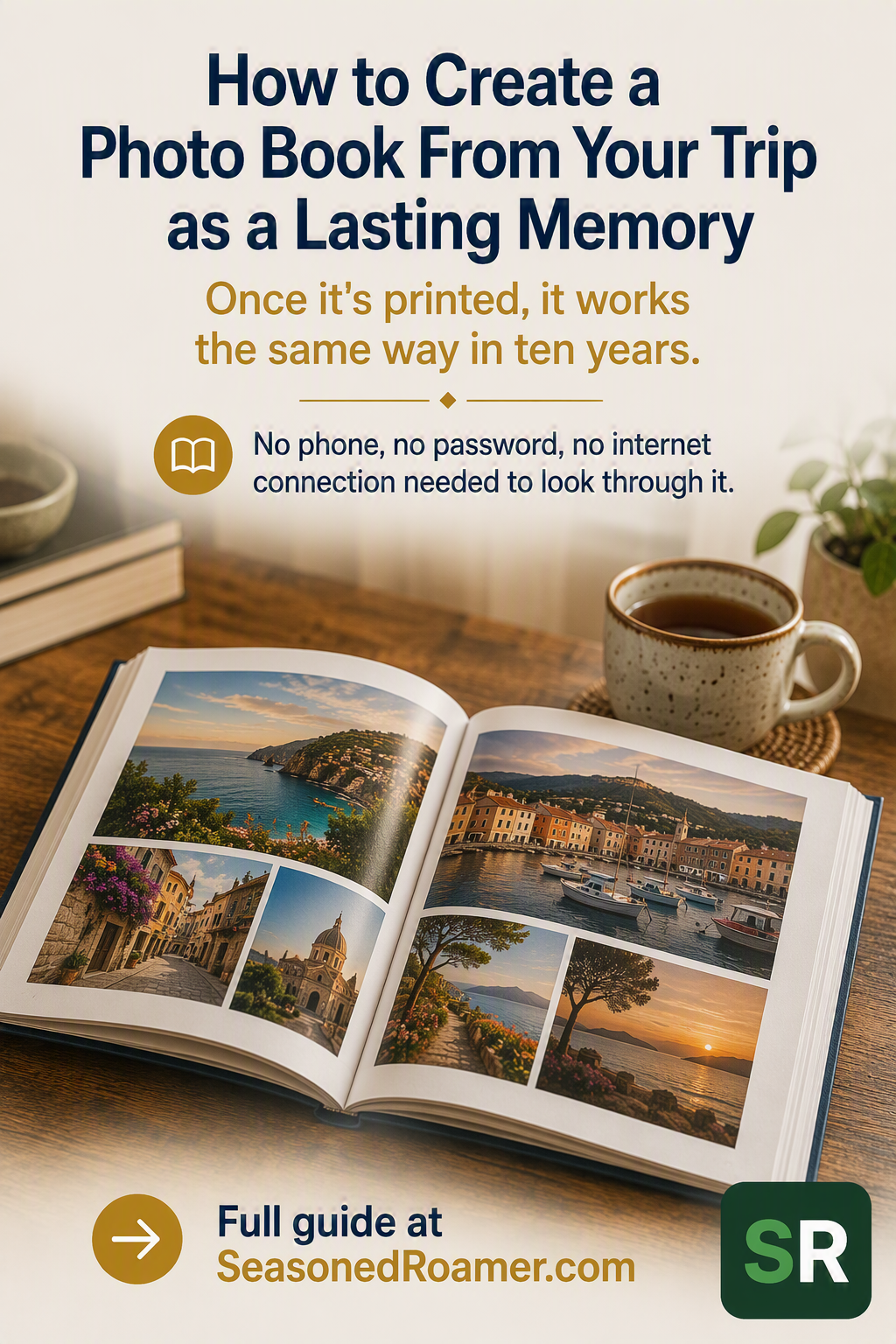
A photo book does not need a phone, a password, or an internet connection to look at. Once it is printed, it works the same way in ten years as it does on the day it arrives.
Before you start: gather your trip photos in one place
Every photo book service works the same way at the start. You need your photos together before you can arrange them onto pages. If you are still deciding what to shoot your trip with, our guide to choosing a beginner camera for a cruise covers two solid starting options.
- If your trip photos are on your phone, they are usually already grouped by date in your camera roll or in a dedicated album from the trip.
- If you shot with a separate camera, transfer the photos to your phone or computer first. Most photo book editors only work with photos already on the device or account you are using.
- Delete duplicates and clearly blurry shots before you start. It is far easier to remove them now than while you are laying out pages later.
Your phone’s own tools: what actually still works
Before choosing a separate service, check what your phone can and cannot do on its own. The two major phone platforms are not the same here, and one of them changed in a way many people have not noticed.
iPhone and Apple Photos
If you have used an iPhone for a long time, you may remember designing and ordering a printed photo book directly from Apple’s Photos app. That feature no longer exists. Apple stopped taking orders for its own printed photo books, cards, and calendars in September 2018.
Apple’s own current support page for Photos on Mac confirms that photo books are now made using separate “project extensions,” downloaded from the Mac App Store, from partner companies such as Motif, Mimeo, and WhiteWall. Apple no longer prints or ships anything itself.
On an iPhone or iPad, there is no book-ordering option built into the Photos app at all. If you want a photo book from an iPhone, you need a separate app or website, the same as anyone else.
Android and Google Photos
Google Photos is different. It still has a working “Print store” built into the app and at photos.google.com, where you can design and order a printed photo book directly.
Check first whether it delivers to you. Google’s own help pages confirm that home delivery for Google Photos print products is limited to the United States, Canada, the United Kingdom, and European Union countries. If you are ordering from South Africa, Australia, or New Zealand, this option is not currently available to you, even though the rest of the Google Photos app works normally in those countries.
Where it is available, a Google Photos softcover book needs a minimum of 20 photos and can hold up to 140 pages in the US market. Exact limits can vary slightly by country.
Dedicated photo book services: what to check before you pick one
If your phone’s own tool does not reach your country, or you want more control over the design, a dedicated photo book service is the next step. Check three things before you pick one.
- Does it ship to your country. This varies far more between services than most people expect, and it is the most common reason an order goes wrong.
- Is it a one-time purchase or a subscription. Some companies sell both models for different products, so check the specific book you are pricing, not just the brand name.
- Does the page count match your trip. Every service has a minimum and a maximum number of pages, and going over the maximum usually means splitting into two books.
A closer look at four services
Four services were checked directly against their own websites for this article. Shipping coverage is the biggest difference between them, so it is stated for each one.
Shutterfly
Shutterfly ships to more than 100 countries, according to its own shipping guide. It publishes a short list of countries it currently does not ship to, made up almost entirely of countries under trade sanctions or embargoes. South Africa, the United Kingdom, Australia, New Zealand, and Canada are not on that list.
For orders to Canada, Australia, and the United Kingdom, customs duties and taxes are included in the shipping price. For other international destinations, including South Africa, you pay any duties or taxes when the package arrives.
Shutterfly does not publish a single starting price for a photo book on its own site. Check the current price for the size and cover you want before you commit to a design.
Mixbook
Mixbook is a one-time purchase, not a subscription. Books start at $14.99 for a 20-page, 6×6-inch softcover, according to Mixbook’s own pricing page. Standard softcover and hardcover formats hold up to around 400 pages, more than enough for most trips.
Mixbook has a dedicated Travel Photo Books section and an AI-assisted tool called Story Mode, which builds a first draft of the layout from a short description you give it. You can edit that draft by hand afterwards.
Mixbook’s own shipping page names Canada, the European Union, the Netherlands, the United Kingdom, Australia, and New Zealand as international shipping destinations. South Africa is not named on that page, and this could not be confirmed either way. If you are ordering from South Africa, check Mixbook’s shipping estimator with your own address before you start designing a book.
Printique
Printique, a photo lab owned by the camera retailer Adorama, only ships to the United States and Canada. Printique’s own product page states this directly, citing damage on longer international routes as the reason. If you are in South Africa, the United Kingdom, Australia, or New Zealand, Printique is not an option.
Chatbooks
Chatbooks sells a non-subscription Classic Photo Book, a one-time purchase like Mixbook, starting at $15 for a 20-page, 6×6-inch softcover, according to Chatbooks’ own product page. Chatbooks also sells separate subscription products called Monthbooks and Monthly Minis. Those work differently and are not covered in this article.
Chatbooks’ own help center confirms international shipping for the Classic Photo Book to a specific list of countries, including the United Kingdom, Australia, Canada, and New Zealand. South Africa is not on that list, so Chatbooks does not currently ship there.
The general steps, start to finish
Once you have picked a service that ships to you, the process is broadly the same everywhere.
- Choose a book size, cover type, and starting page count. Most services let you add pages later for an extra cost per page.
- Upload or connect your photos, then arrange them onto pages using the service’s own editor, either on the website or in its app.
- Review every page carefully before you order. The service will not catch a blurry photo or a spelling mistake in a caption for you.
- Check your delivery address, the total cost, and the estimated delivery time before you pay. This is where shipping restrictions and any duties become visible, so read this screen properly rather than clicking straight through.
Before you order: a short checklist
- Confirm the service ships to your country, using its own shipping or delivery page, not a guess.
- Confirm whether it is a one-time purchase or a subscription, and whether that suits how often you plan to make books.
- Confirm the page count fits your trip, including any photos you added at the last minute.
- Check every page once more before you pay. Once a book is ordered, most services cannot make changes.
Another related article worth reading. See how to take great photos on your phone at your next destination.