
Choosing Between a Digital Photo Frame, Printed Photos, or a Slideshow
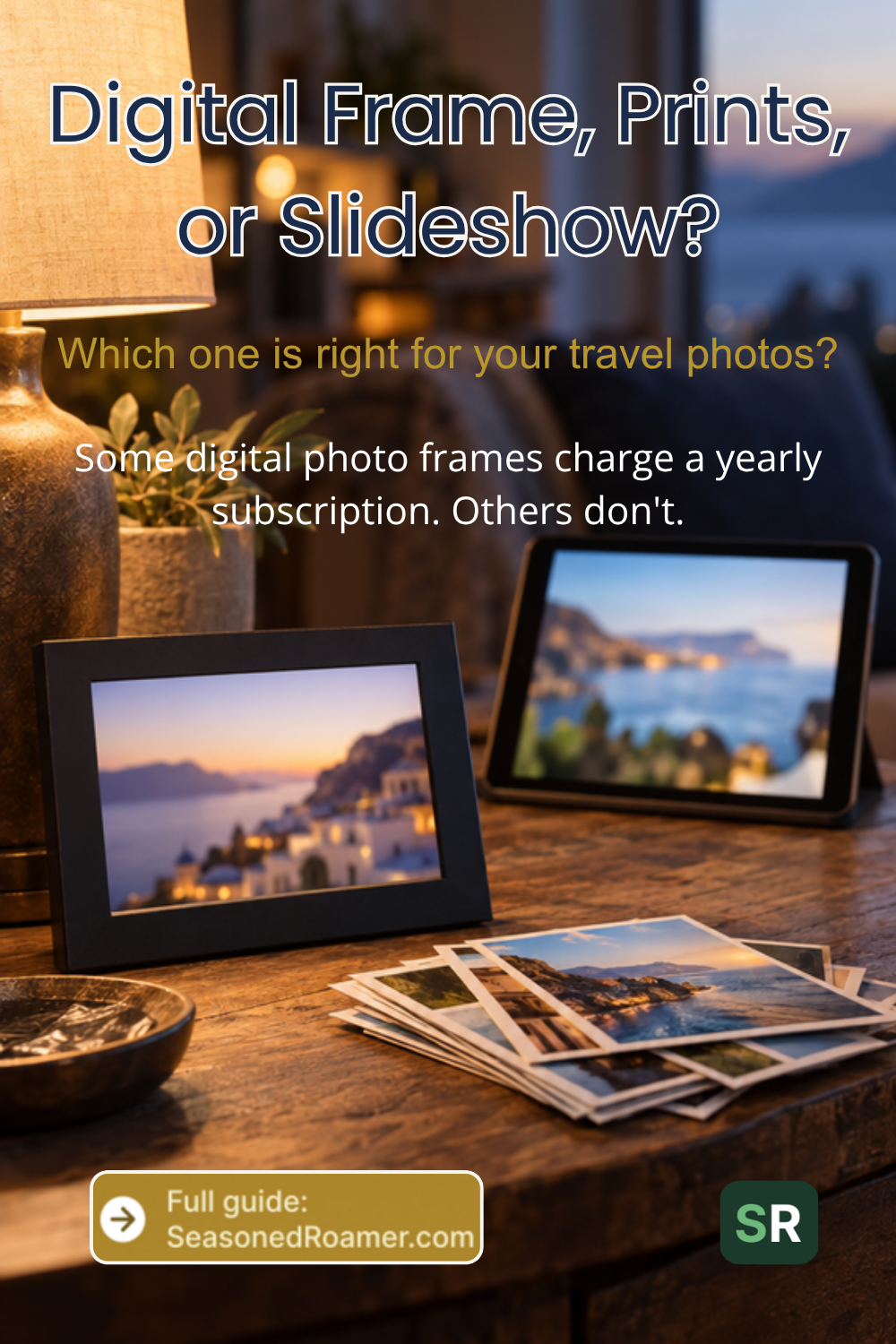
You are home from your trip with hundreds of photos on your phone. Printing every single one is impractical. But if you leave them buried in your camera roll, you will probably never look at most of them again. There are three realistic ways to enjoy those photos at home: a digital photo frame, printed photos, or a slideshow. Each one suits a different kind of person. Here is how to think through the choice.
Digital Photo Frames
A digital photo frame is a small screen, usually between 8 and 10 inches. It sits on a shelf or mounts on a wall and rotates through your photos automatically. Family members can usually send new photos to it from their own phone. That makes it a shared, always-updating display rather than a one-time gift.
The most important thing to check before buying one is whether the frame charges an ongoing subscription. This varies by brand, not just by model, so it is worth asking directly rather than assuming.
The Subscription Question to Ask Before You Buy
Aura frames include free, unlimited photo and video storage with no subscription fee at all. You and your family set up and share photos through Aura’s own app. There is nothing further to pay once you own the frame.
Skylight frames work differently. The frame itself lets you send photos for free by email or through the app. A paid yearly plan called Skylight Plus is required to add videos, captions, and photo albums. You also need it to mirror the slideshow to another screen.
Nixplay frames follow a similar pattern to Skylight. A free account gives you a limited amount of cloud storage and only lets you connect one frame. The paid Nixplay Plus subscription expands your storage and opens up the full mobile app. It also lets you connect several frames at once and allows longer video clips.
None of this makes one brand better than another outright. It simply means there is one honest question to ask before buying. Does this frame need a yearly payment to do what I want, or is everything included from the start? Ask that question directly, either in the product listing or by contacting the seller, before you buy.
Printed Photos
Some people simply want to hold a photo, not look at a screen. A standalone printed photo, not a bound photo book, is the simplest and usually cheapest way to do that. You have two general ways to get one made.
- A local pharmacy or photo counter. You upload photos in person or through their own app. Prints are ready the same day or within a few days.
- An online mail-order photo lab. You upload photos through a website or app, and prints arrive by post, usually within a week or two.
Which shops or services are available to you depends on where you live. Check what your local pharmacy or supermarket offers, or search for an online photo printing service that ships to your country. Do not assume one company operates everywhere.
How This Differs From a Photo Book
If you want your photos bound together in one book with a cover, that is a photo book. SeasonedRoamer has a separate guide dedicated to that format.
A standalone print, by contrast, is just one photo at a time. You can frame it, give it as a gift, or slide it into an album you already own. It costs less per photo than a bound book. It suits someone who wants a handful of favorites on display rather than a record of the whole trip.
A Slideshow on a Device You Already Own
If you would rather not buy anything new, check what you already own. There is a good chance it can show your photos as a slideshow. This option costs nothing beyond what you already have.
If Your Family Uses Google Photos
Open the Google Photos app on your phone and choose the photo or album you want to show. Then cast it to any television connected through a Chromecast device. You can swipe between photos on your phone while they display on the television screen.
If Your Family Uses Apple Photos
On an Apple TV, open the Photos app directly, choose a shared album, and select Play Slideshow. You can adjust how long each photo stays on screen and whether photos shuffle or play in order. You can also choose the transition between them.
Either way, the photos in your phone’s own photo app can become a slideshow. You do not need to buy a separate frame or print a single photo.
Which Option Fits You Best
A few honest questions can point you toward the right choice faster than comparing product specifications.
- Do you want your photos visible all the time, or only when family visits? A frame suits an always-on display. A slideshow suits an occasional one.
- Are you comfortable with a yearly payment, or would you rather pay once and be done? Check the subscription question above before choosing a frame.
- Do you want something physical you can pick up and hold? Printed photos are the only option here that give you that.
- Do you already own a smart TV or streaming device? If so, a slideshow costs you nothing extra to try first.
There is no single right answer. Many households use more than one of these options for different photos or occasions. That works just as well.