
The best beginner camera for a cruise and how to use it in five minutes
This article contains an affiliate link. If you buy something through it, we may earn a commission at no extra cost to you. Read our full affiliate disclosure.
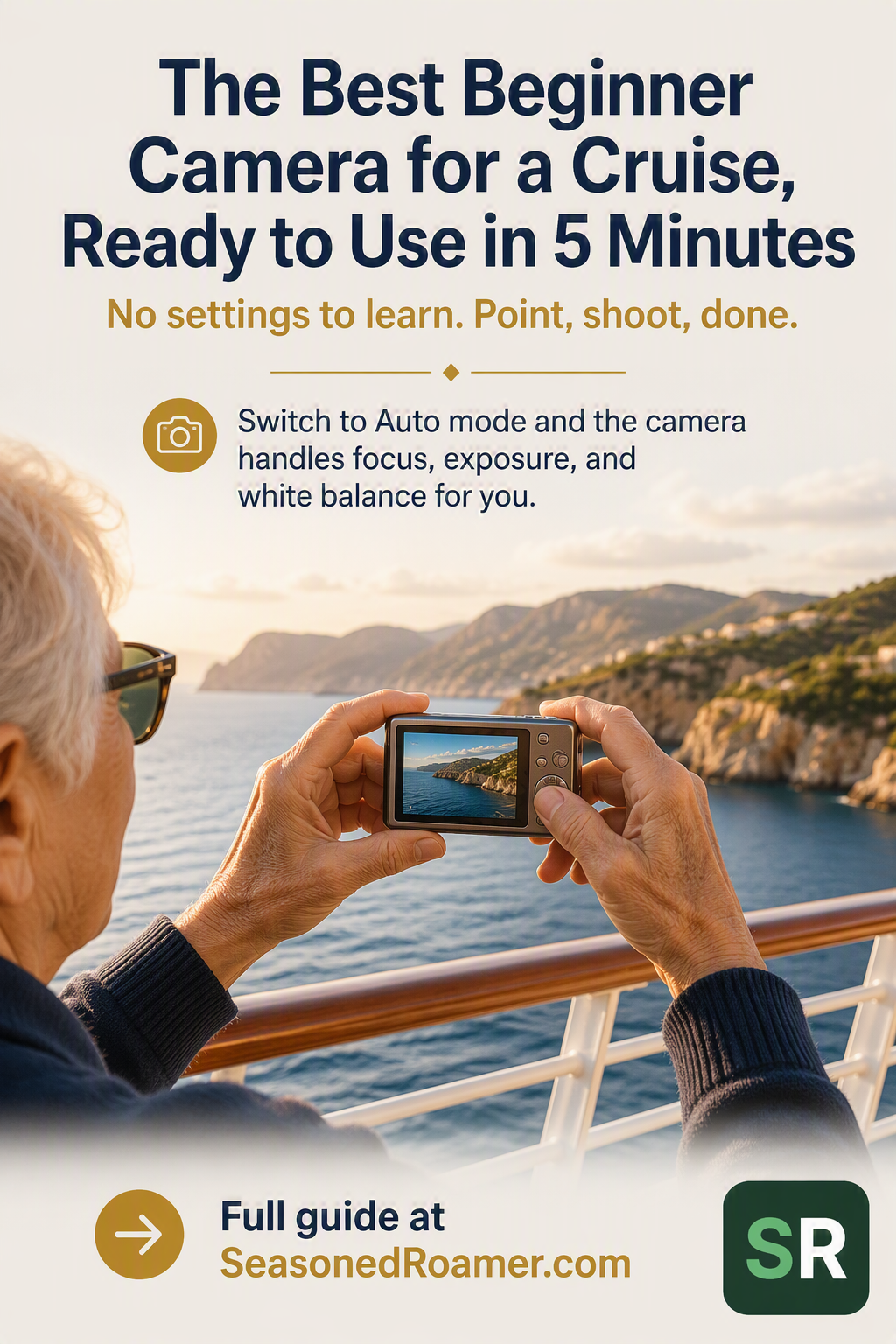
Why a dedicated camera still earns its place on a cruise
Your phone takes good photos most of the time, but finding the best beginner camera for a cruise is worth the extra thought. A cruise puts pressure on a phone camera in ways an ordinary week at home does not. You need real zoom to capture something distant from the ship’s rail, such as wildlife or a passing coastline, and a camera that can survive a splash on a tender boat or a beach stop. On a dimly lit deck in the evening, a dedicated camera with a larger sensor usually handles low light better than a phone. A dedicated camera does not replace your phone. It covers the situations where a phone struggles on this specific kind of trip.
Two situations a cruise camera needs to handle
If you have not decided what kind of cruise suits you yet, start with the best small-ship cruises for older travelers who want fewer crowds.
A week on a cruise is really two different kinds of photography trip stitched together.
- Onboard and port days. Relaxed pace, dry conditions, a camera small enough to carry without thinking about it.
- Excursion days with water exposure. Tenders, beach stops, and snorkeling trips, where a splash, a drop, or sand in the wrong place is a real risk, not a remote one.
The camera that suits one of these days is not always the camera that suits the other. That is the real decision behind choosing a camera, more than any single spec sheet.
What actually makes a camera easy for a beginner
Most cameras built for beginners include a fully automatic shooting mode, often labelled Auto or Intelligent Auto. In this mode, the camera sets the focus, exposure, and white balance for you. You point the camera and press the shutter button. You do not need to understand aperture, shutter speed, or ISO to get a usable photo.
Every point-and-shoot camera needs two things installed before it will take a single photo: a charged battery and a memory card. Neither is ready to use straight out of the box in most cases, so check both before you leave home rather than after you have boarded.
Cruise photography happens outdoors in strong sun as often as it happens indoors. A screen that is hard to read in bright daylight makes it difficult to tell whether a shot is in focus. A grip that is small or smooth can also be a problem if your hands are wet or covered in sunscreen, which happens more often on a ship than at home.
Camera options worth knowing about
The compact camera market is changing quickly right now. Canon has said publicly that it is reviving its PowerShot line, with new models expected in the second half of 2026. That means naming one single camera as “the best” today carries a real risk of being wrong within months. Instead, here are current options for each situation described above, spanning more than one price point. All are current as of this writing. Check the manufacturer’s own listing before you buy, since exact models and prices in this category shift often.
An everyday option for onboard and port days
For relaxed, dry-weather cruise days, look for a compact camera with a genuine optical zoom (not just digital zoom, which reduces image quality as you zoom in), an automatic shooting mode, and a body small enough to carry all day without a dedicated bag.
Sony’s RX100 VII sits at the premium end of this category. It has remained the top model in Sony’s RX100 line since 2019, with no newer model announced as of this writing, and pairs a 24 to 200mm equivalent zoom with a pocketable body. Priced at around 1,499 US dollars as of April 2026, it will not suit every budget.
Nikon’s COOLPIX A1000 carried a 35x optical zoom (24 to 840mm equivalent), a built-in electronic viewfinder, and 4K video, and was a popular affordable pick in this category for years. Nikon’s own website now marks this product page as archived, and no major retailer showed confirmed new stock as of this writing. If you find one secondhand in good condition, the specs still suit cruise use, but treat it as a used-market option rather than a current purchase.
A rugged option for excursions and water activities
For excursion days, water resistance matters more than zoom range or sensor size. Two current models fit this category.
OM System’s Tough TG-7 is the newer of the two, released in 2023. It is waterproof to 15 metres, which covers many snorkeling situations without a separate housing, and shockproof to a 2.1 metre drop, freezeproof to minus 10 degrees Celsius, and dustproof, so sand on a beach excursion is not a concern. Like most beginner-focused cameras, it includes a fully automatic shooting mode.
Nikon’s COOLPIX W300 is an older design, released in 2017. It goes deeper underwater than the TG-7, waterproof to 30 metres against 15, and is shockproof to a 2.4 metre drop. Nikon’s own US site now lists it only as a refurbished unit, not new, so new stock depends on third-party retailers. Being an older design, check current stock, condition, and price carefully before buying.
As with the everyday options above, treat all of these as starting points rather than permanent picks. Confirm current pricing and availability directly with the manufacturer before buying.
Setting up your camera and taking your first photo
Most beginner cameras, regardless of brand, follow a similar sequence to get from box to first photo. Exact menu wording varies by model, but this sequence covers what to expect.
- Charge and insert the battery. Most cameras ship with the battery uncharged or only partly charged. Charge it fully before you leave home, using the charger or cable included with the camera.
- Insert a memory card. Check your camera’s manual for the correct card type, most current cameras take a standard SD or microSD card. The slot is usually next to or behind the battery compartment.
- Power on the camera and set the date and time if prompted. This step is optional, but it means your photos will sort correctly by date later.
- Switch to Auto or Intelligent Auto mode. Look for a mode dial or a menu option labelled Auto, i-Auto, or something similar. This setting lets the camera handle focus and exposure for you.
- Take a test shot and review it. Press the shutter button once, then check the photo on the screen. If it looks sharp and properly exposed, the camera is ready to travel with you.
Download: RX100 VII quick start card. A one-page PDF covering charging, the viewfinder, your first photo, and video, to keep with your camera bag. Download the PDF.
Before you leave home
- A fully charged battery, plus a spare if you have one.
- A memory card with enough free space for your trip.
- A strap or a small case to protect the camera in your bag.
- One test photo taken at home, so you know the camera works before you rely on it on board.
Two related articles worth reading. See how to take great photos on your phone at your next destination, and how to create a photo book from your trip as a lasting memory.