
Photos without a tripod: how to get sharp shots where tripods are banned
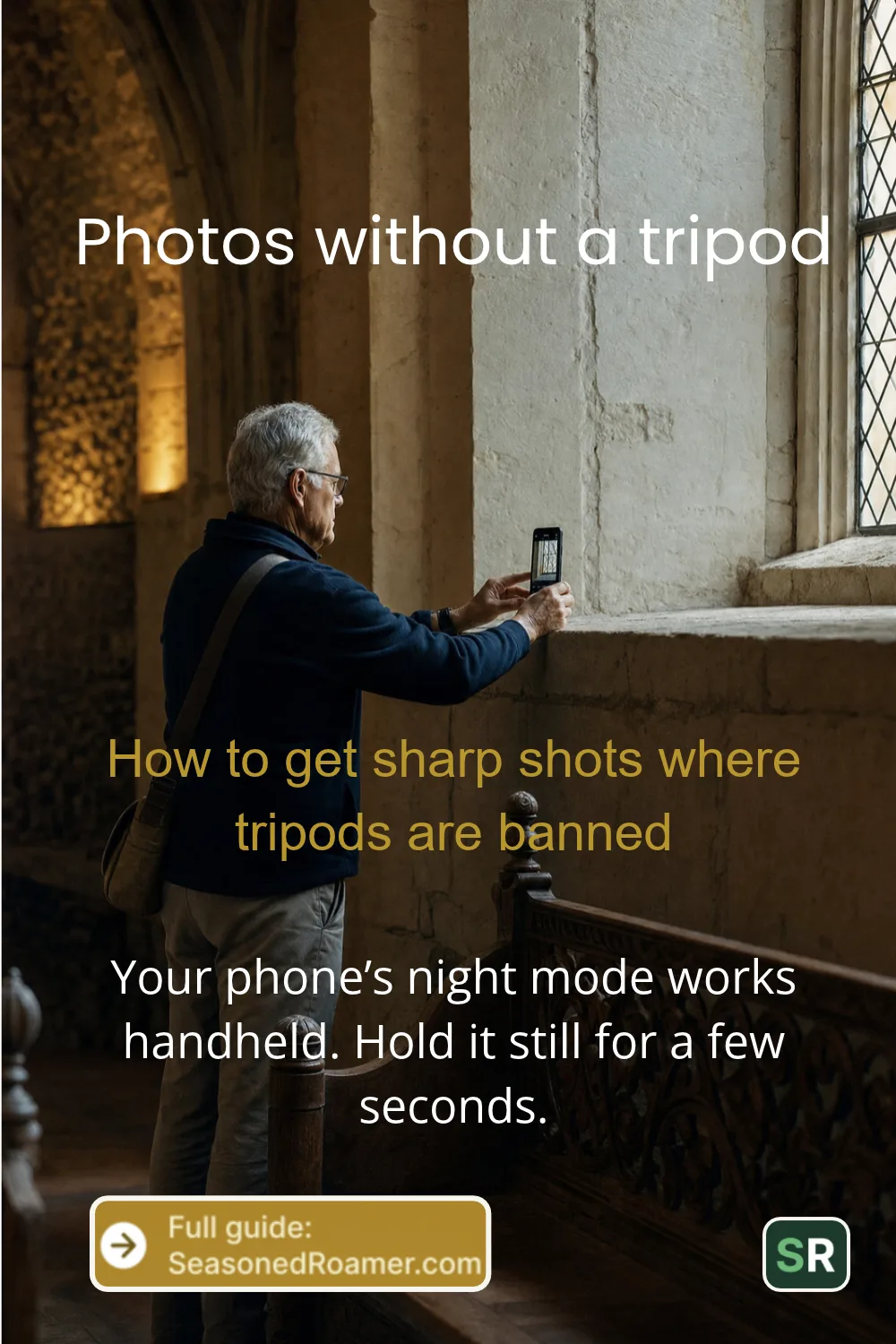
You can take photos without a tripod in most dim places, because your phone’s night mode works handheld. On an iPhone 11 or later, or a Google Pixel with Night Sight, the condition is simple: hold the phone still for the few seconds the capture takes, or rest it on something steady. That matters at sights like the Vatican Museums and London’s National Gallery, which do not allow tripods at all.
Key takeaways
- The Vatican Museums, the National Gallery in London and the Sagrada Familia do not let visitors use tripods.
- iPhone Night mode and Pixel Night Sight work handheld if you keep the phone still while it captures.
- Rest the phone on something steady and use a 3-second timer, so your tap does not shake it.
- For stars, see our guide to photographing the night sky on your phone.
Where are tripods banned at famous sights?
Several famous sights in Europe publish rules that keep tripods out for ordinary visitors.
- Vatican Museums, Rome: tripods, stands and drones are not allowed without permission from the museum directorate. You leave a tripod in the cloakroom. The museum also bans selfie sticks and flash. You can take personal photos everywhere except the Sistine Chapel, where photos and filming are not allowed.
- National Gallery, London: you can take photos for personal use. The gallery does not permit tripods, selfie sticks, flash or extra lighting.
- Sagrada Familia, Barcelona: tripods may not be used for photos or video on the grounds without accreditation from the basilica’s Press Department. The same page says photo and video equipment is not allowed inside the basilica, except for authorised media, so read it before you go.
A small tabletop or flexible tripod is still a tripod. At the sights above, the same ban applies to it.
Rules can change, so check each sight’s own rules page before you pack. The same sights also publish their quieter times, which we cover in how to avoid crowds at famous sights.
Low light photos without a tripod: can your phone do it?
Yes, if your phone has a night mode and you keep it still while it captures. A night photo can take a moment or several seconds to capture, and any movement in that time blurs the picture.
On an iPhone
- Night mode works on iPhone 11 and later. It turns on by itself when the camera detects low light, and its icon at the top of the screen turns yellow.
- A number next to the icon shows how long the shot will take. Hold the iPhone steady until the capture finishes.
- To capture for longer, set the slider above the shutter button to Max.
- Turning on Live Photos or the flash turns Night mode off. Leave both off.
On a Google Pixel
- In Night Sight, hold still for a few seconds while the phone captures the photo.
- For a steadier shot, prop the phone against a steady surface. Google says not to hold it against the surface with your hand.
Other Android phones have their own night modes with different names. Check your phone maker’s guide for the steps.
How to hold your phone steady for photos
- Use the main camera, the 1x setting on an iPhone, in dim light. On the iPhone 17, Apple lists optical image stabilisation on the main and 2x cameras, but not on the Ultra Wide. Check your own model’s specifications page to see which lenses are stabilised.
What can you use as a substitute for a tripod?
- A steady surface. Canon suggests a table, and Google suggests any steady surface. A wall, ledge or bench works the same way.
- The self-timer. On an iPhone, tap Timer and choose 3, 5 or 10 seconds. On a Google Pixel, the timer offers 3 or 10 seconds. Google suggests 3 seconds for night shots, so tapping the shutter does not shake the phone.
- A palm timer on a Pixel 6 or later. Raise your hand in front of the camera to begin the countdown, with no tap at all.
- An Apple Watch. The Camera Remote app shows what the iPhone sees and takes the photo with a 3-second timer by default. Keep the watch within about 10 metres (33 feet) of the iPhone.
How do you hold your camera steady for photos without a tripod?
Canon gives three steps for a camera. Wrap your right hand firmly around the grip. Press the camera against your face and look through the viewfinder, which steadies it. Where you can, rest the camera on something fixed, such as a table.
The slower the shutter speed, the more any movement shows as blur. That is why shake shows up in dim rooms.
How slow can you go with photos without a tripod?
This part is for cameras, where you can see and set the shutter speed.
- A common guideline: shake tends to show when you hold the camera at a shutter speed slower than 1 divided by the focal length. At 50 mm, that means slower than 1/50 second.
- Image stabilisation lets you go slower. Canon’s Image Stabilizer moves part of the lens to correct shake. Nikon says its Vibration Reduction lets you shoot up to four stops slower than with a lens that lacks it, with the exact figure depending on the lens.
Apple lists which iPhone cameras are stabilised, but gives no figure for how much slower you can go. If you want to learn how shutter speed and aperture work together on a camera, see aperture priority vs manual mode. On a phone, rely on night mode and a steady surface instead.
For more ways to take and keep better travel photos, see our travel photography guides.